Fortinet FortiOS Integration Guide
Fortinet FortiOS Threat Feed Integration
OpenDBL lists can be imported directly into FortiOS as Fabric Connectors (Threat Feeds) and then referenced inside your FortiGate security policy rulebase.
1
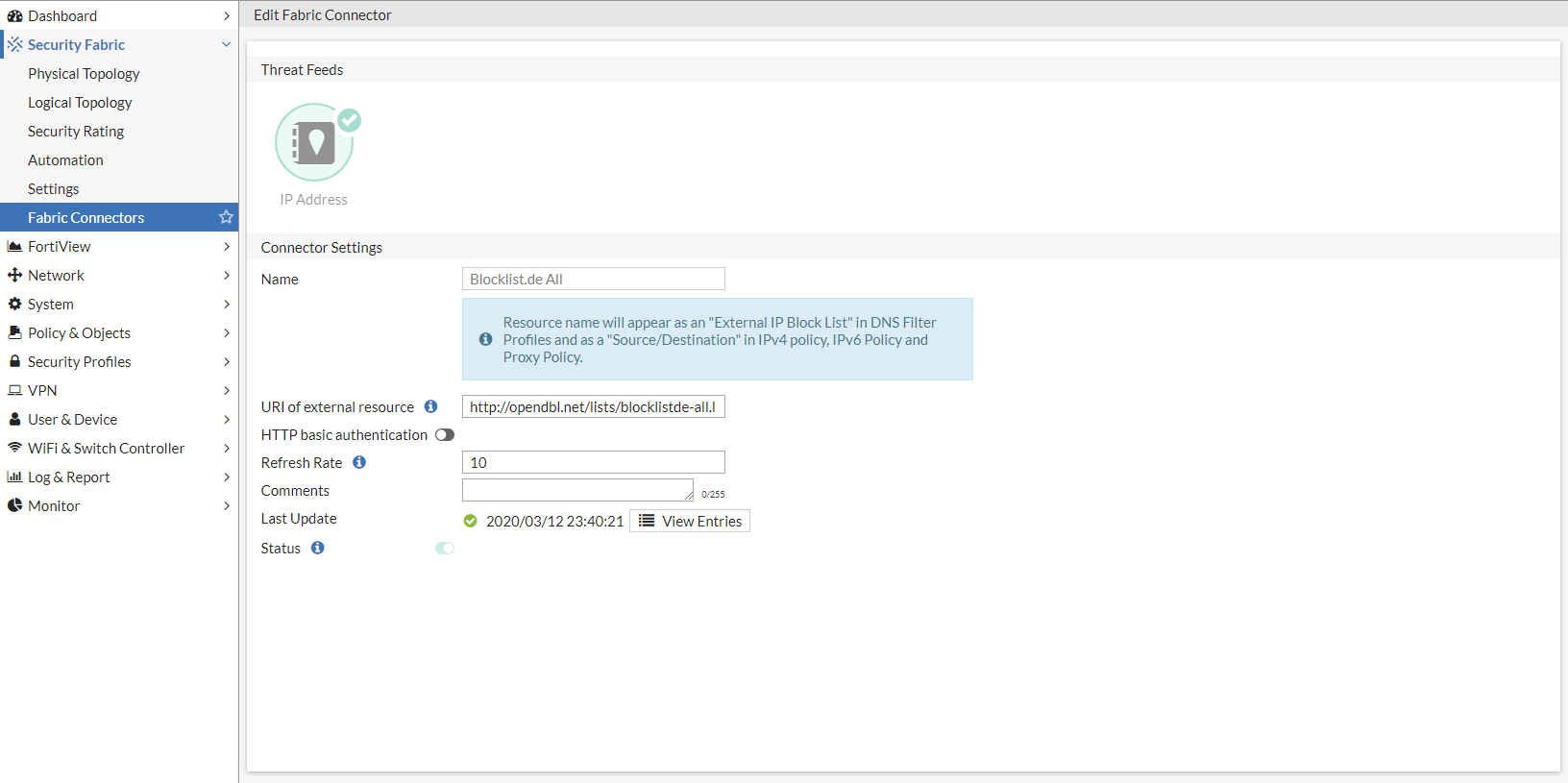
Create Fabric Connector
In FortiOS, navigate to Security Fabric > Fabric Connectors and click Create New. Choose Threat Feed - IP Address.
2
Configure Feed URL
Name the threat feed and paste the HTTPS URL of the desired OpenDBL list (e.g. https://opendbl.net/lists/blocklistde-all.list). Set refresh rate to 15 minutes.
3
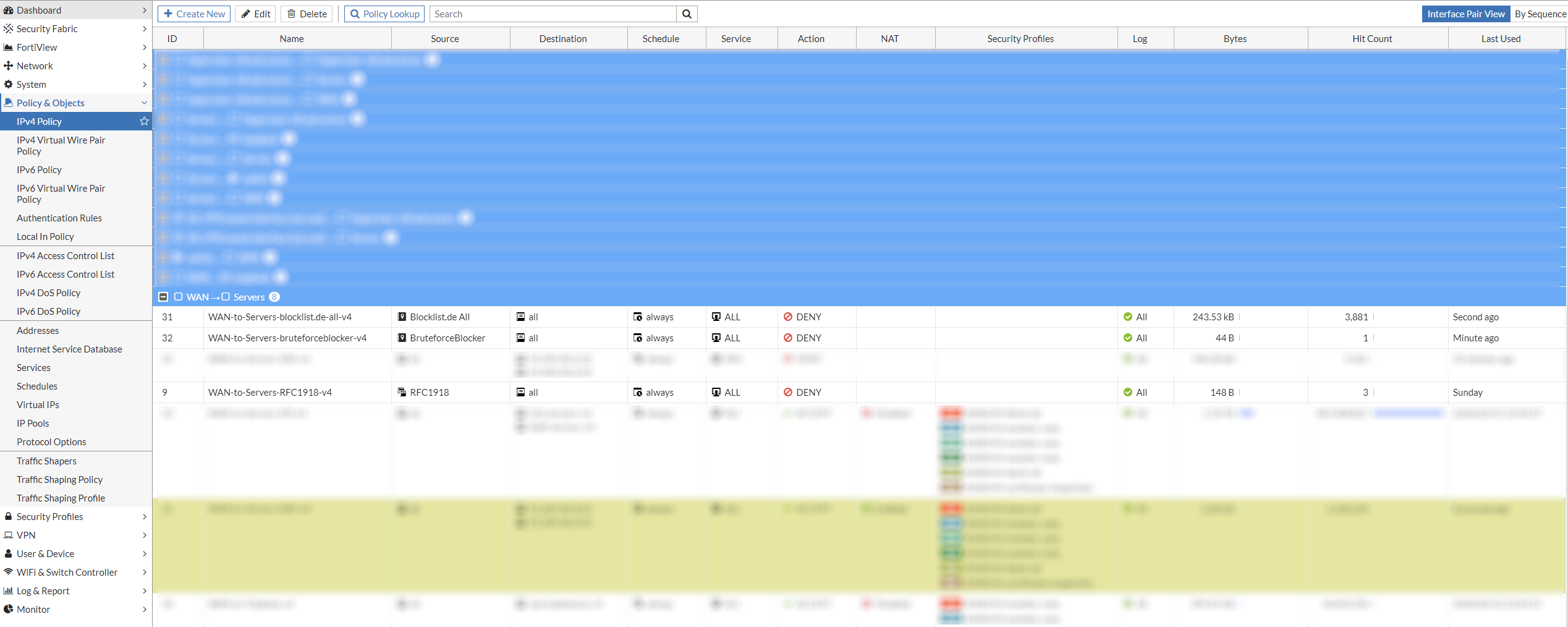
Use in Firewall Policy
Reference the Fabric Connector object in the Source or Destination field of your IPv4 Security Policies.
Fabric Connector Configuration (Click to enlarge)
Firewall Policy Rulebase (Click to enlarge)